
- info@service.digitalmarketingvidyapeeth.com
support@service.digitalmarketingvidyapeeth.com - Pioneer Residential Campus for NDA, Near Khandoba Temple, Raywadi road, Loni Kalbhor, Maharashtra 412201

Blog Details
26
Jun
Google Search Console Complete Guide: Improve Your Website’s SEO Performance
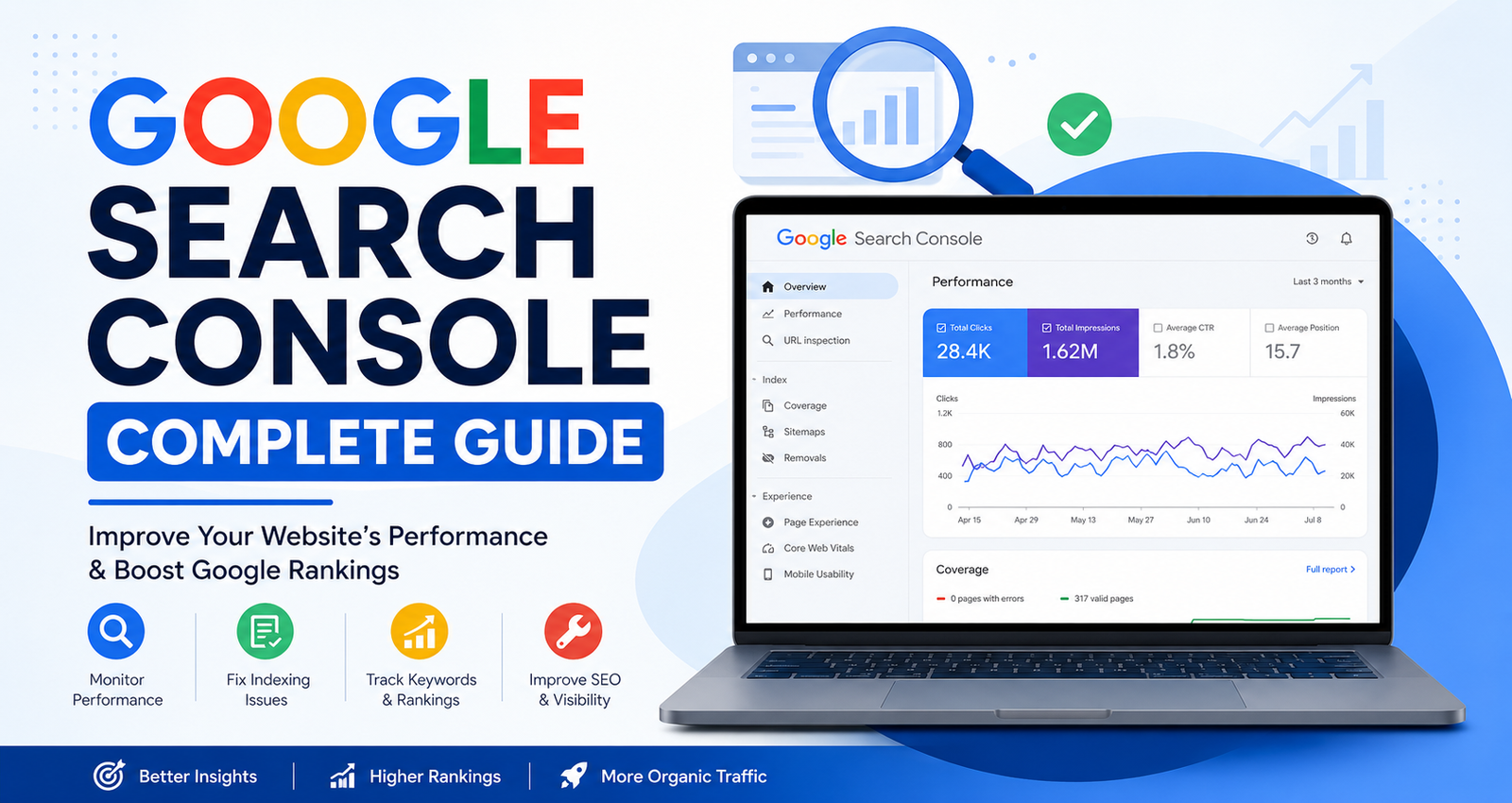
Google Search Console Complete Guide
Google Search Console Complete Guide is one of the most valuable resources for website owners, bloggers, SEO professionals, and digital marketers. If you want your website to rank higher on Google, understanding Google Search Console Complete Guide is essential. It helps you monitor website performance, identify indexing issues, improve search visibility, and optimize your SEO strategy using real data from Google.
Whether you're running a business website, blog, or eCommerce store, Google Search Console provides insights that can significantly improve your organic traffic.
What is Google Search Console?
Google Search Console (GSC) is a free tool offered by Google that allows website owners to monitor, maintain, and troubleshoot their site's presence in Google Search results.
With Google Search Console you can:
- Monitor search performance
- Submit sitemaps
- Check indexing status
- Fix crawl errors
- Analyze keywords
- Improve Core Web Vitals
- Identify mobile usability issues
Why Google Search Console is Important
Using Google Search Console Complete Guide helps you understand how Google views your website.
Benefits include:
- Better SEO insights
- Faster indexing
- Keyword tracking
- Error detection
- Improved website visibility
- Enhanced user experience
- Performance monitoring
How to Set Up Google Search Console
Follow these simple steps:
Step 1: Visit Google Search Console
Go to:
https://search.google.com/search-console
Step 2: Add Property
Choose:
- Domain Property
- URL Prefix Property
Step 3: Verify Ownership
Verification methods include:
- DNS Record
- HTML File
- HTML Tag
- Google Analytics
- Google Tag Manager
After verification, your website starts collecting search data
Understanding the Dashboard
The Google Search Console dashboard contains several important sections.
Performance Report
This report shows:
- Total Clicks
- Total Impressions
- Average CTR
- Average Position
You can also filter data by:
- Country
- Device
- Date
- Search Queries
- Pages
URL Inspection Tool
This tool helps you:
- Check indexing status
- Request indexing
- Identify crawl problems
- View canonical URLs
Indexing Report
Monitor:
- Indexed pages
- Excluded pages
- Crawl errors
- Soft 404 pages
- Redirect issues
Fixing these errors improves search visibility.
Sitemap
Submitting an XML sitemap helps Google discover new pages faster.
Recommended sitemap:
https://yourwebsite.com/sitemap.xml
Crawled – Currently Not Indexed
Google visited the page but hasn't indexed it.
Solution:
- Improve content quality
- Add internal links
- Request indexing
404 Error
Broken pages reduce user experience.
Fix by:
- Redirecting pages
- Updating links
- Removing broken URLs
Best Practices for Google Search Console
Follow these SEO practices:
- Submit sitemap regularly
- Monitor indexing weekly
- Check Performance Report
- Fix crawl issues quickly
- Improve Core Web Vitals
- Optimize pages with low CTR
- Track keyword rankings
- Remove outdated pages
Who Should Use Google Search Console?
Google Search Console is useful for:
- Bloggers
- Business owners
- SEO professionals
- Digital marketers
- Developers
- Website administrators
- eCommerce websites
Leave a Comment